Digital vs Analog Notes
Stop choosing between the focus of paper and the efficiency of screens. Here is how to master the ultimate hybrid note-taking system.
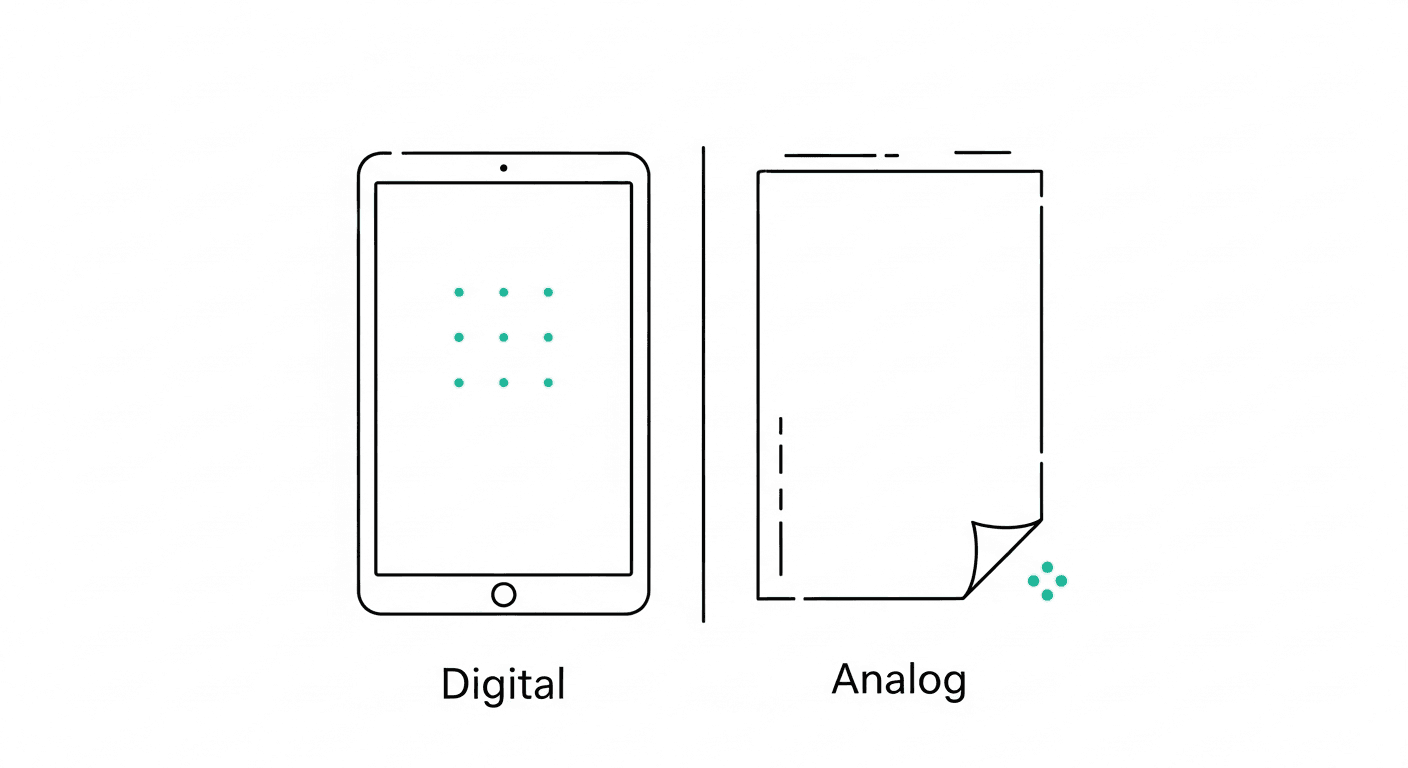
The scent of a freshly opened premium notebook carries a specific kind of promise—a tactile assurance that this time, your life will finally be organized. On the other side of the spectrum lies the sleek, infinite canvas of a modern digital note-taking application, promising ultimate searchability, perfect synchronization, and a paperless existence. For decades, productivity enthusiasts have treated these two mediums as opposing forces in a zero-sum game. You are either a traditionalist who swears by fountain pens and bullet journals, or a futurist who runs their entire existence through a glowing screen. But forcing yourself to choose a singular side in the digital versus analog debate is a profound productivity trap. We frequently end up buying expensive stationery only to abandon it three weeks later, or we create sprawling digital databases that eventually become graveyards of untitled, unread documents.
The truth is that the debate between digital and analog note-taking is rarely about which medium is objectively superior in a vacuum. It is about understanding the fundamental differences in how our brains interact with physical versus digital environments. Each medium inherently encourages a different type of cognitive processing. When we try to force a single method to handle everything—from creative brainstorming and rigid task management to deep learning and quick archiving—we set ourselves up for friction and failure. The modern high performer does not choose between paper and pixels; instead, they deliberately leverage the unique strengths of both to build a seamless, hybrid system.
The Science
To understand why a hybrid system is necessary, we must first look at the empirical data comparing how our brains process handwritten versus typed information. The most definitive research on this topic comes from a landmark 2014 study by psychological scientists Pam Mueller of Princeton University and Daniel Oppenheimer of UCLA, aptly titled "The Pen Is Mightier Than the Keyboard."
Mueller and Oppenheimer conducted a series of experiments where students were instructed to take notes on TED Talks using either a laptop or traditional pen and paper. When tested on factual recall (e.g., "In what year did the event happen?"), both groups performed similarly. However, when tested on conceptual application and deep comprehension, the laptop users performed significantly worse. The researchers found that digital note-takers engaged in "mindless transcription." Because we type significantly faster than we write, the laptop users simply transcribed the lectures verbatim without processing the meaning of the words.
Conversely, analog note-takers were forced by their physical speed limits to be highly selective. Because they could not write down every single word, their brains had to actively listen, digest the information, and summarize it on the fly. This cognitive friction—the deliberate slowing down of information capture—created deeper neural pathways and stronger conceptual understanding.
However, while analog reigns supreme for synthesis, digital systems absolutely dominate when it comes to retrieval, archiving, and scalability. According to an oft-cited McKinsey report, the average knowledge worker spends nearly 20% of their workweek simply searching for internal information or tracking down colleagues for help with specific tasks. Paper completely fails the modern retrieval test. You cannot execute a keyword search on a leather-bound journal from three years ago, nor can you instantly share a physical mind-map with a remote team spread across three different time zones. Digital notes provide durability, infinite replication, and algorithmic search capabilities that are strictly necessary for managing the sheer volume of data modern professionals encounter daily.
The Framework
The solution is not to pick a side, but to build an "Intentional Capture Framework." This framework operates on a simple premise: use analog tools for thinking and synthesis, and use digital tools for storage, sharing, and execution. Here is how to construct a hybrid system that maximizes the benefits of both mediums.
Define the Cognitive Load Before deciding where to capture information, assess the purpose of the activity. If your goal is to learn, brainstorm, problem-solve, or navigate a complex emotional scenario, default to analog. The physical resistance of paper will force you to slow down and process the thoughts. If your goal is to record meeting minutes, draft a client email, log a receipt, or capture a fast-moving list of project deliverables, default to digital. Action items require speed and mobility, not deep contemplation.
Establish the Analog Sandbox Your analog notes should be viewed as a temporary workspace, not a permanent archive. Use a legal pad, a whiteboard, or a simple notebook as your "sandbox." This is where you draw connections, sketch out rough wireframes, process difficult decisions, and outline complex strategies. Give yourself permission to make this space messy. It does not need to be indexed, color-coded, or preserved for posterity. Its sole purpose is to facilitate the act of thinking in the present moment.
Build the Digital Vault Your digital system is your permanent archive and action center. This is where finalized thoughts go to live, and where tasks go to be executed. Your digital vault must be highly searchable, accessible across all your devices, and backed up to the cloud. When an idea leaves the analog sandbox and enters the digital vault, it transitions from an abstract thought into a concrete, searchable asset or an actionable task.
Master the Transfer Ritual The single biggest point of failure in any hybrid note-taking system is the bridge between the physical and the digital. If you leave your brilliant brainstorms trapped in a notebook, they will never be executed. Establish a strict "Transfer Ritual" at the end of every day or week. Review your analog sandbox, identify the golden nuggets, extract the actionable tasks, and input them into your digital system. Once the transfer is complete, you can confidently cross out or discard the paper notes, knowing the value has been safely digitized.
Practical Application
Understanding the framework is one thing; applying it to the chaotic reality of modern work is another. Let us examine how the Intentional Capture Framework functions in real-world scenarios.
Scenario 1: The High-Stakes Client Meeting You are sitting in a critical one-on-one discovery meeting with a new client. If you open a laptop and begin loudly clacking on the keyboard, you instantly build a physical and psychological barrier between yourself and the client. You lose eye contact, miss subtle body language cues, and appear more focused on the screen than on the relationship. The Hybrid Solution: Bring only a physical notebook and a pen. Take sparse, selective notes, focusing purely on the client's core pain points and overarching goals. The analog approach maintains intimacy and active listening. Immediately after the meeting concludes, while the context is still fresh in your mind, review your handwritten notes and extract the next steps. Digitize the core action items—such as sending a proposal or scheduling a follow-up call—into your digital task manager, and file a brief digital summary into the client's folder in Google Drive or Microsoft OneDrive.
Scenario 2: The Creative Campaign Brainstorm You are tasked with designing a new marketing campaign for Q3. Staring at a blank, blinking cursor on a stark white screen often induces writer's block. The digital environment is too rigid and linear for the early stages of creativity. The Hybrid Solution: Step away from your desk. Stand in front of a whiteboard or spread a large sheet of paper on a table. Map out ideas, draw chaotic arrows connecting different concepts, and dump every thought out of your head without worrying about formatting or spelling. Once the "sandbox" phase is complete and the winning campaign concept emerges from the chaos, sit back down at your computer. Transcribe only the finalized strategy, the timeline, and the specific deliverables into your digital project management environment. Leave the chaotic brainstorm behind.
Scenario 3: On-the-Go Inspiration You are walking the dog or commuting when a brilliant solution to a work problem suddenly strikes you. You do not have a notebook handy, and by the time you get back to your desk, the thought will have vanished into the ether. The Hybrid Solution: This is where digital capture shines through sheer accessibility. You pull out your phone and immediately record a digital voice note or quickly type a shorthand sentence into your mobile device. The digital tool acts as an instant, frictionless capture mechanism for fleeting inspiration, holding the thought securely until you are back in a focused environment to process it properly.
High-Performer Takeaway
The most effective knowledge workers understand that analog notes build comprehension, while digital notes build leverage. Your ultimate goal is not to force yourself into a single box, but to eliminate the friction of moving between the two mediums.
This is exactly where Hello Aria transforms the hybrid workflow. As a Universal Productivity Platform, Aria removes the tedious manual data entry that usually ruins hybrid systems. If you just finished sketching out a brilliant strategy on a notepad, you do not need to sit down and type it all out. Simply snap a picture of your paper and send it to Aria on WhatsApp—Aria's powerful image-to-text feature instantly digitizes your handwritten notes into a clean, searchable format.
Did you just walk out of an analog client meeting? Send a quick voice note to Aria on Telegram detailing what happened. Aria will instantly generate a meeting summary and—using its advanced voice-to-text action items feature—automatically extract every deliverable and drop them straight into Aria's built-in todo list. Aria handles smart reminders seamlessly, ensuring nothing falls through the cracks. By connecting directly to your Google Calendar, Microsoft Calendar, Gmail, and Drive, Aria acts as the ultimate digital vault that requires zero app-switching. You get to keep the cognitive benefits of your physical notebook, while Aria handles the digital heavy lifting in the background.