The CC and BCC Etiquette
Master the subtle art of email visibility to build trust, protect your team's focus, and stop drowning in unnecessary inbox noise.
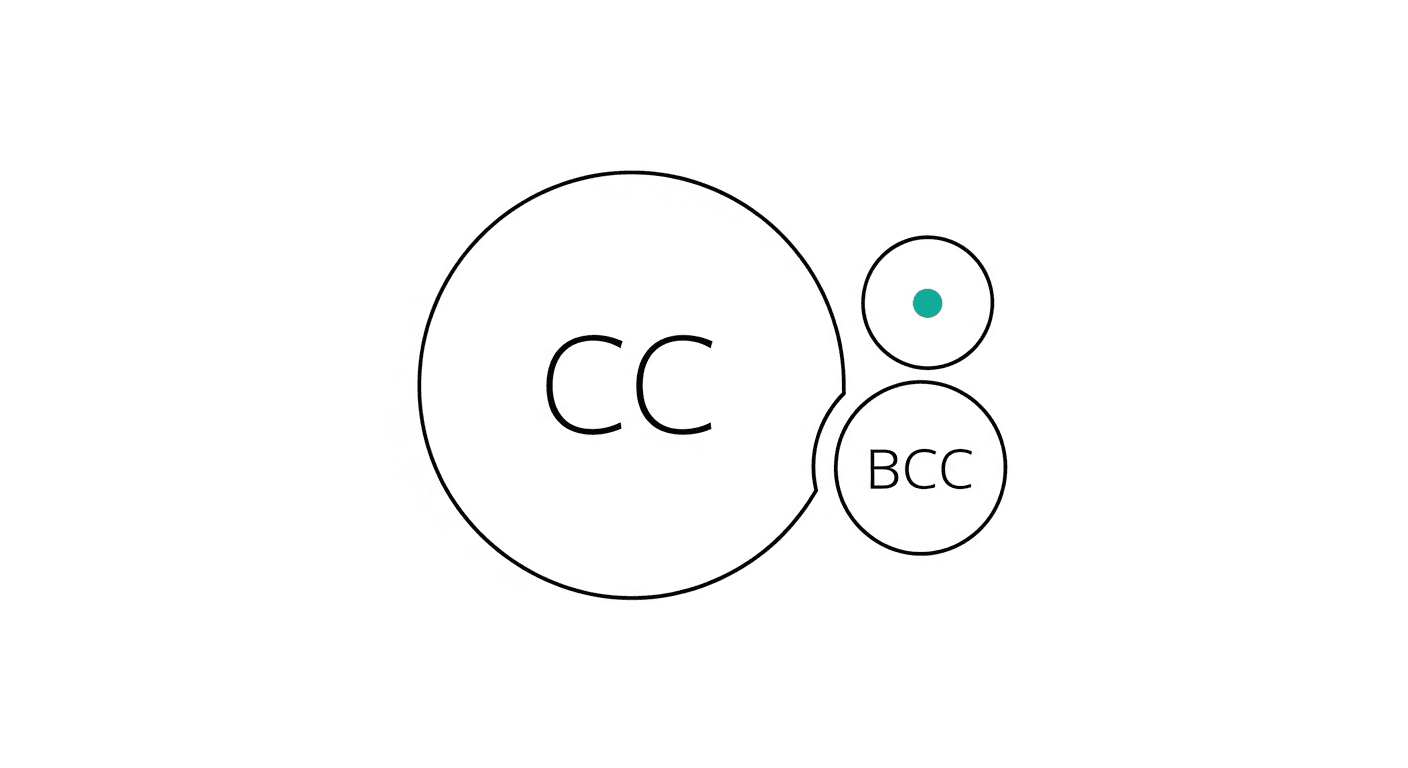
We have all experienced the sinking feeling of opening our inbox after a two-hour deep work session, only to find an avalanche of unread messages. As you scroll through the bold subject lines, you realize that you are not the primary recipient for the vast majority of them. Instead, you have been dragged into a sprawling, thirty-message chain via the dreaded Carbon Copy (CC) field. Two colleagues are debating a minor design change across multiple time zones, and for some reason, twelve other people—including cross-functional managers and external vendors—are forced to watch the drama unfold in real-time. It is the digital equivalent of being trapped in a crowded conference room where only two people are speaking, but nobody else is allowed to leave the table.
Email was designed to be an asynchronous miracle, a tool that respects our time and allows us to respond on our own schedules. Yet, poor email etiquette—specifically the misuse and abuse of the CC and Blind Carbon Copy (BCC) fields—has transformed our inboxes into chaotic war zones of office politics, performative visibility, and defensive posturing. We CC our managers to prove we are actively working on a project, we BCC colleagues to quietly loop them into workplace disputes, and we enthusiastically hit "Reply All" because we are terrified of accidentally leaving someone out of the loop. Mastering the precise etiquette of these two little fields is not just about being polite to your coworkers; it is a critical professional skill for safeguarding your focus, building deep trust with your team, and reclaiming hours of your workweek from the jaws of unnecessary inbox noise.
The Science: Why Over-CCing Destroys Trust and Productivity
The financial and psychological costs of poor email etiquette are staggering. According to the Radicati Group's comprehensive email statistics report, the average office worker receives roughly 120 emails per day and sends around 40. However, a significant portion of this volume is generated by the unnecessary use of the CC button. When we look at the psychological impact of this behavior, the data reveals a dark side to our over-sharing habits.
A groundbreaking 2017 study conducted by David De Cremer at Cambridge University, later published in the Harvard Business Review, examined the psychological effects of including a manager or supervisor in the CC field. The researchers conducted multiple experiments across different organizational structures to see how employees felt when their peers CC'd the boss on routine communications. The findings were stark: when an employee is frequently CC'd on emails directed at them with the boss included, they report significantly lower levels of trust toward the sender. The recipient inherently views the CC as a subtly aggressive move—a corporate tactic used to either document a paper trail, assert dominance, or artificially manufacture urgency.
Furthermore, the researchers found that this "defensive CCing" creates a vicious cycle. When trust drops, psychological safety plummets. In response, the recipient begins CCing the manager on their replies to defend themselves and prove their own competence. Before long, the manager's inbox is flooded with trivial updates, entire teams are caught in a web of performative communication, and the organization's overall productivity grinds to a halt. The science clearly demonstrates that the CC button is not a neutral tool for "keeping people in the loop"; it is a powerful behavioral trigger that can either facilitate smooth operations or breed a culture of fear and micromanagement.
The Framework: Rules of Engagement for CC and BCC
To break the cycle of inbox overload and restore sanity to your workplace communication, you must adopt a rigorous framework for how and when you use these fields. Treat every email address you add to an outgoing message as a direct withdrawal from that person's attention span.
The "Need to Act" vs. "Need to Know" Principle The golden rule of email fields is simple: The "To" field is exclusively for people who need to take a specific action or provide a direct response. The "CC" field is strictly for people who genuinely need the information to perform their own jobs, but do not need to reply. If you are putting someone in the CC line, ask yourself, "Will this person's day be negatively impacted if they do not read this specific message?" If the answer is no, remove them. Never use the CC field as a substitute for a weekly status update or a project dashboard.
The Defensive CC Fallacy Never CC a manager, director, or supervisor simply to prove that you are doing your job, or to subtly reprimand a colleague who is slow to respond. This is known as "escalation by inbox" and it is universally recognized as poor workplace form. If a colleague is unresponsive, reach out to them directly via another channel or speak to them one-on-one. If you truly need to escalate a severe bottleneck to a manager, do so in a separate, direct email rather than passively copying them on a thread with the offending colleague.
The BCC Mass Communication Mandate The BCC field exists primarily for one highly specific use case: protecting the privacy of recipients during mass communications. If you are emailing a list of external clients, vendors, or a large group of people who do not explicitly know each other, you must use BCC. Exposing dozens of private email addresses in the "To" or "CC" line without consent is a severe breach of professional etiquette and, in many jurisdictions, a violation of data privacy regulations.
The Graceful "Exit CC" Strategy One of the most underutilized and brilliant uses of the BCC field is the "graceful exit." When someone introduces you to a third party over email, the introducer's job is done. However, if you hit "Reply All," that introducer is permanently trapped in the ensuing back-and-forth conversation. The correct etiquette is to move the introducer to the BCC line in your very first reply, explicitly stating in the body of the email that you are doing so to spare their inbox.
Practical Application: Real-World Scripts and Scenarios
Understanding the framework is only half the battle; applying it gracefully in real-world scenarios requires tact and practice. Here are highly effective ways to implement modern CC and BCC etiquette in your daily professional life.
Scenario 1: The Vendor Introduction Your colleague, Sarah, sends an email introducing you to a new software vendor, Mark. Bad Etiquette: You hit "Reply All" and say, "Hi Mark, nice to meet you. When can we schedule a demo?" Sarah now receives every subsequent email about scheduling, pricing, and technical specs. Good Etiquette: You move Sarah's email address from the "To" or "CC" line into the "BCC" line. Your email reads: "Hi Mark, great to connect. I would love to schedule a demo for next Tuesday. (Moving Sarah to BCC here to spare her inbox—thanks for the intro, Sarah!)" Sarah sees your prompt reply, knows the handoff was successful, and never receives another email about the topic.
Scenario 2: The Project Handoff You are finishing your portion of a marketing campaign and passing it to the design team. You need your manager to know the handoff is complete without trapping them in the design revisions. Bad Etiquette: You CC your manager on the email to the designers, trapping them in the inevitable 15-email thread about color palettes and font sizes. Good Etiquette: You send the email directly to the design team. Then, you forward your sent email to your manager with a brief note: "FYI - Phase 1 is complete and handed off to design. No action needed." This keeps the manager informed but physically isolates them from the working thread.
Scenario 3: The Overcrowded Thread You are a middle manager looped into a massive "Reply All" chain where people are debating a topic that no longer requires your input. Bad Etiquette: Setting up an aggressive auto-delete rule or replying to the entire group with "Please remove me from this thread." Good Etiquette: Reply directly to the project owner or the person leading the thread (dropping everyone else). Say, "Hi David, it looks like you all have this handled. I am going to step out of this thread to focus on the Q3 launch, but please pull me back in directly if you need sign-off on the final budget."
High-Performer Takeaway
High performers understand that managing attention—both their own and their colleagues'—is the ultimate modern workplace currency. Every time you send an email, you are making a demand on someone else's cognitive load. By ruthlessly pruning your CC lines, utilizing the BCC field for graceful exits and privacy, and reserving the "To" field strictly for action-takers, you signal to your team that you respect their time.
Of course, the root cause of excessive CCing is often a lack of centralized task visibility. We CC people because we lack a reliable system to track handoffs, action items, and follow-ups. This is where a Universal Productivity Platform like Hello Aria transforms the way you work. Instead of filling your team's inboxes with 'did you do this?' CCs, you can use Hello Aria's 'Circles' feature for seamless team coordination and automated follow-ups.
Because Hello Aria integrates directly with Gmail and Microsoft Mail, you can stop relying on your inbox as a makeshift filing cabinet. Need to remember to follow up with a vendor without trapping your manager in a CC chain? Just message Aria on WhatsApp or Telegram—"Remind me to follow up with Mark about the demo next Tuesday at 9 AM"—and it is instantly captured in your Aria built-in todo list. You can view all your emails, reminders, and voice-to-text action items on your unified dashboard or iOS app, ensuring nothing slips through the cracks. By combining impeccable email etiquette with Hello Aria's smart reminders, you can build trust, silence the inbox noise, and focus on the deep work that actually drives results.