Browser Tab Management
Stop using open tabs as a makeshift to-do list and reclaim your browser performance.
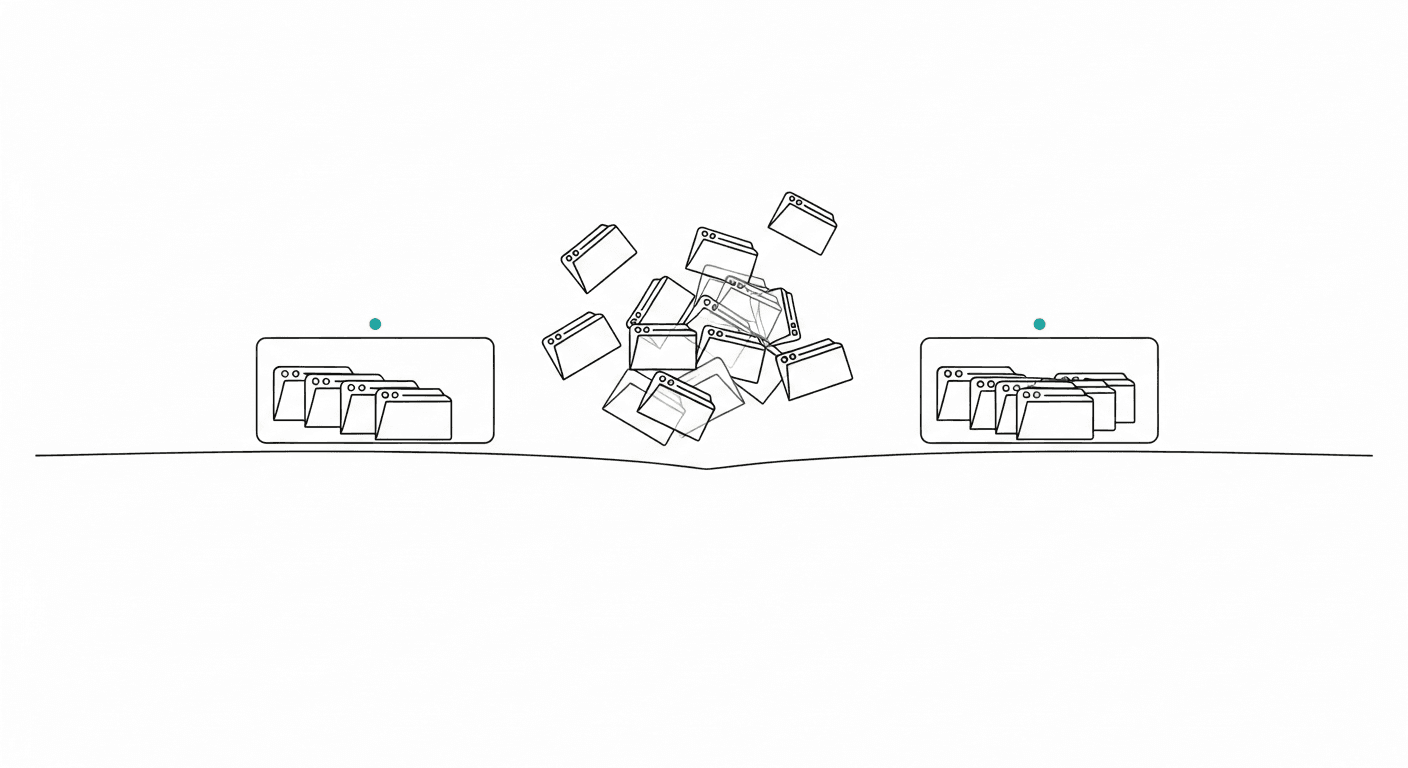
Look at the top of your computer screen right now. If your web browser looks like an accordion of microscopic icons, you are intimately familiar with the modern productivity trap of tab hoarding. You likely start your morning with a clean slate, opening just your email and calendar. But by two o'clock in the afternoon, you have forty-five different tabs open across three separate browser windows. There is a Google Doc you promised to review, three different software vendor pricing pages you are comparing, a YouTube tutorial paused at the two-minute mark, and a half-written email. The text on the tabs has completely vanished, leaving only a sea of tiny, indistinguishable favicons. Your computer's cooling fan is spinning like a jet engine, your battery life is plummeting, and finding the one specific document you actually need takes a frustrating amount of clicking and guessing.
We often leave these tabs open because it feels like a form of productivity. We convince ourselves that an open tab is a guarantee that we will get to that specific task eventually. In reality, this digital hoarding creates an overwhelming visual clutter that severely hampers your efficiency. You are not keeping these pages accessible; you are simply burying your current work under a mountain of deferred tasks. Managing your browser is no longer just about keeping your computer running smoothly; it is a fundamental requirement for maintaining focus and executing your daily goals. It is time to stop treating your web browser as a makeshift to-do list and implement a systematic approach to browser tab management.
The Science
The consequences of a cluttered browser extend far beyond a messy screen; they have measurable impacts on your daily output and your computer's performance. A 2021 study conducted by researchers at Carnegie Mellon University investigated the phenomenon of "tab overload." The researchers conducted extensive interviews and observational studies of digital knowledge workers, discovering that 55% of users struggle significantly to locate specific open tabs during their workday. The study found that users lose an average of 18 to 20 minutes every single day simply hunting for the right tab, opening duplicates because they cannot find the original, or dealing with browser crashes caused by excessive memory usage. Over a standard workweek, that is nearly two hours of wasted time strictly due to poor browser management.
Furthermore, a 2020 study from Aalto University analyzing web browsing behavior and user interface clutter found direct correlations between visual disorganization and task completion speeds. The researchers noted that when users are confronted with an excessive number of open interface elements—such as a crowded tab bar—their navigation efficiency drops by up to 22%. The visual noise of dozens of tabs competes for your visual attention, making it substantially harder to lock into the singular task you are supposed to be executing. Additionally, modern web browsers are incredibly resource-intensive. Keeping dozens of tabs active simultaneously drains your computer's Random Access Memory (RAM). This leads to system-wide lag, delayed typing responses, and slower application loading times, physically forcing your workflow to a crawl.
The Framework
To eliminate tab overload, you need a structured system. Implementing the following framework will help you transition from digital hoarding to intentional browsing.
The 10-Tab Hard Limit Establish a strict, non-negotiable rule for yourself: you are never allowed to have more than ten tabs open at any given time. Ten tabs are more than enough to handle your current, active project, your email, your calendar, and a few reference materials. If you need to open an eleventh tab, you must force yourself to evaluate the existing ten and close one that is no longer actively serving your immediate task. This artificial constraint forces you to prioritize your web browsing and prevents passive clutter from accumulating.
The Single Window Mandate Do not bypass the 10-tab limit by simply opening a new browser window. Limit yourself to a single, maximized browser window. When you open multiple windows and minimize them, you are hiding the mess, not resolving it. A single window forces all of your active internet usage into one visible dashboard. If the tab bar starts getting crowded, you immediately see the problem and can take action to curate your workspace.
The "Read Later" Externalization One of the primary reasons tabs pile up is because we find interesting articles, reports, or data that we want to read later. A browser tab is not a filing cabinet. If you find a resource you need to consume at a future date, externalize it immediately. Copy the URL and paste it into a dedicated note, send it to your email, or put it in your designated daily planner. Once the link is securely stored elsewhere, close the tab with confidence.
The Daily Tab Bankruptcy At the end of every single workday, you must declare "tab bankruptcy." Before you shut down your computer, close every single open tab. Leave absolutely nothing open for tomorrow. This nightly ritual forces you to confront the tabs you ignored all day. If a tab represents an unfinished task, log that task properly in your to-do list, and then close the window. Starting your morning with a completely blank browser sets a tone of intentionality and focus for the new day.
Practical Application
Understanding the framework is only half the battle; applying it to chaotic, real-world scenarios is where true productivity is forged. Let us look at how you can apply these rules to common daily situations.
Imagine you are a marketing manager tasked with researching a competitor's new product launch. In the past, you might open the competitor's website, open five different tabs of their social media profiles, open three tabs of customer reviews, open two tabs of industry news coverage, and keep your own team's Google Drive strategy document open. Suddenly, you have a dozen tabs strictly for this one project, heavily mixing with your ongoing email and calendar tabs.
Under the new framework, you approach this systematically. You open the competitor's website and your team's Google Drive document. As you find a customer review you want to reference, you do not leave the review tab open indefinitely. Instead, you immediately copy the relevant quote, paste it into your Google Drive document, and close the review tab. You process the information in real-time. By the end of the research session, all of your critical data is synthesized into one single document, and you have closed the research tabs as you went along.
Consider another scenario: you are working on a financial report, and a colleague messages you a link to an industry article they think you should read. The old habit would be to click the link, let it load in the background, and promise yourself you will read it when you finish the financial report. Four hours later, the report is done, but you have forgotten about the article, leaving it languishing in your tab bar for the next three days. With proper browser tab management, you simply copy the link, add it to your daily schedule for your designated reading hour, and close it immediately. You protect your current focus and ensure the article is read at the appropriate time.
High-Performer Takeaway
The ultimate realization of top-tier professionals is that a web browser is a tool for active viewing, not a system for task management, project tracking, or data storage. High performers fiercely protect their digital environment because they know that visual clutter directly translates to wasted time and system lag. They extract the value from a webpage and immediately discard the tab.
This is where an ecosystem like Hello Aria transforms your workflow. Hello Aria is a Universal Productivity Platform designed to capture your tasks precisely so you never have to use browser tabs as makeshift reminders again. Instead of leaving a webpage open because you need to review it tomorrow, you can just message Aria on WhatsApp or Telegram: "Remind me to review this marketing link tomorrow at 9 AM," paste the link, and close the tab. It is captured in Aria's own built-in todo list instantly, with no app switching or phone unlocking required.
Because Hello Aria integrates deeply with Google Calendar, Google Drive, Gmail, Microsoft OneDrive, Microsoft Mail, and Microsoft Calendar, you can view your entire day from a single dashboard. You no longer need to keep five separate tabs permanently pinned for your inbox, your schedule, and your cloud storage. You can access your voice-to-text action items, built-in notes, and team "Circles" all in one streamlined web app. By routing your tasks, reading lists, and reminders through Hello Aria, you completely eliminate the need for digital hoarding, keeping your browser fast, clean, and perfectly optimized for the work right in front of you.